

From Yesterday I am exploring Windows 8 consumer preview, so far the experience has been good. Windows 8 comes with several preinstalled apps. Windows 8 has a default mail application that is basic but looks easy and perfectly usable with no frills, it is different from the Microsoft outlook.
Using the Windows 8 mail app you can add Hotmail accounts, Gmail accounts and Exchange accounts. I don't use Hotmail so i have added Gmail accounts to see the app in action. Adding any Gmail account is quick, no configuration required, just login with your Gmail login user id and password. You can also add Gmail apps for business accounts to the app.

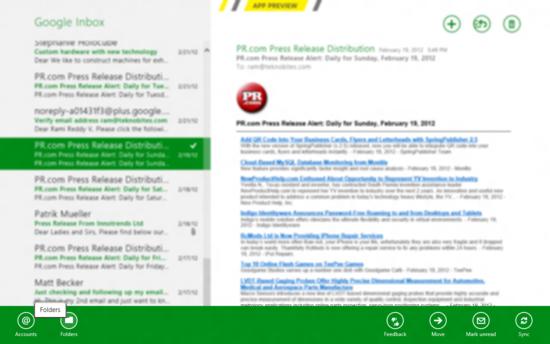
The mail app has a simple design with basic functions. Right clicking on the app anywhere will open a menu at the bottom. It has shortcuts to go to the Accounts page, Gmail Folders, Move messages and mark them as unread.
Try this app, it is simple, usable and easy on eyes. It also allows you to add multiple Gmail accounts, so you can stay logged in to all your Gmail accounts.

